Gamer Name Fonts and Styles: Keep the Same Name, Change the Look
Compare plain gamer names, Unicode font styles and decorated frames. Learn what each changes and choose a readable version for your game or profile.
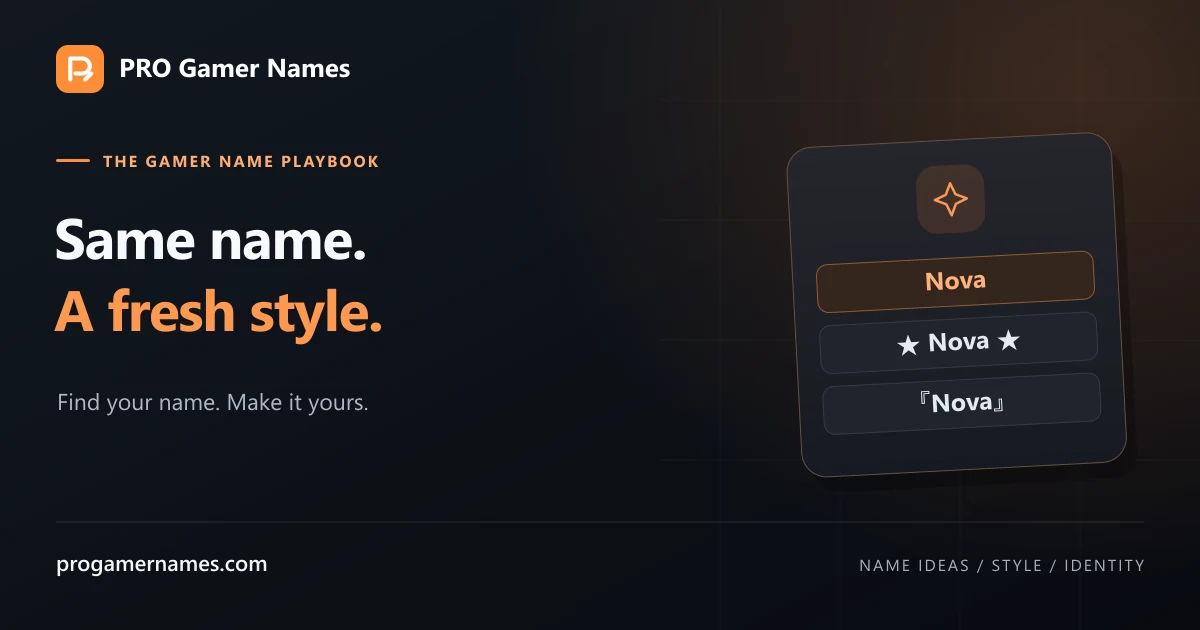
You may already like your gamer name and only want it to look different. In that case, keep the word fixed while you compare a font, a frame or a small symbol.
Changing the letters and inventing a new name are separate tasks. A useful style comparison lets you recognize the same name in every result.
On this page
Explore 640 name ideas
Browse the names, compare a plain or decorated version, and open Customize to change the font, frame and symbols.
The character count follows a game preset. Confirm the finished name in the game before changing your profile.
No names match these filters. Try another game or name format.
Know what you are changing
A plain name keeps the ordinary spelling. A Unicode letter style uses different text characters to create a visual effect. A frame adds symbols before or after the name. You can compare all three without adding another word.
For example, start with Mira, Rook or Bablo. Choose whether you want different letter shapes, a border or simply the clean original. Make one change at a time so the result is easy to judge.
- Mira
- Rook
- Bablo
- Nova
- Cipher
- Drift
- Echo
- Vela
- Arlo
- Wren
- Slate
- Kira
Use the two tabs on an individual name page
Open a personal name from the directory to see its style gallery. Decorated Names starts with gaming frames. Name Styles gives you plain and font-focused versions of that same name.
That is useful when the spelling is already settled. The separate name generator is the place to explore new word combinations around a nickname, while the individual page keeps the core name fixed.
Choose a frame that leaves the word visible
A border should support the name rather than hide it. Compare a familiar bracket or small star with a more ornate frame. Look at the result at a small size, not only in a large preview.
Check the character budget after choosing the frame. Symbols take space too, and some visible text can contain more underlying characters than you expect. The actual game field is the final judge of what fits.
Keep a plain fallback
Fancy text is still text. A device, game font or account field may render it differently, replace part of it with a box or reject it. Copying it successfully does not prove that every service accepts it.
Save the plain spelling beside your favorite styled version. It is easier for friends to search and gives you a quick fallback when a symbol does not work. Use heavier visual decoration in a profile image if the account field is restrictive.
Customize the selected result
Use Customize beside the name you like. Check that the editor carries over the core word, selected letter style and frame. Then change only the part you want to adjust.
Try a new left symbol, a smaller right edge or a plain font inside the same frame. Copy the final result and test it in the intended field before spending a rename item or updating a public identity.
Questions about these names
Does a gamer name font change the original wording?
A font-focused style should keep the same name while changing the visual characters. Frames add symbols around it. Use the name generator when you want new word combinations.
Why does a copied name look different in the game?
The game's fonts and field rules can differ from the browser's. Keep a plain fallback and test the exact text where you intend to use it.