How to build a matching clan tag
Create a shared clan tag while leaving room for each player’s own nickname.
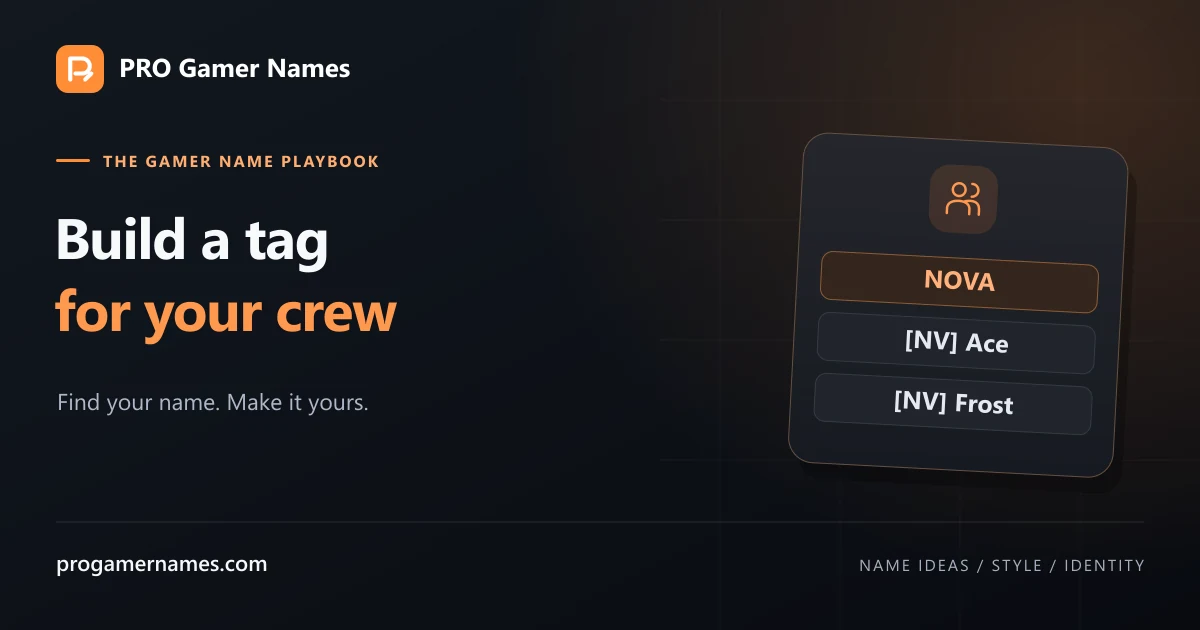
Choose a short tag that every player can recognize. Two or three letters leave enough room for personal nicknames in games with small character limits.
Choose a frame
Open the clan tag generator inside the studio. Set the game, enter the shared tag, and compare a few frames. For example, the same tag can appear as [ARC] or ★ARC★.
Test more than one player name
Try the longest nickname in your group. If the preview clips too much, shorten the tag or choose a more compact frame. Copy the agreed format and share it with the rest of the group.
Explore 640 name ideas
Browse the names, compare a plain or decorated version, and open Customize to change the font, frame and symbols.
The character count follows a game preset. Confirm the finished name in the game before changing your profile.
No names match these filters. Try another game or name format.